Ecommerce development
A demanding ecommerce launch, strong communication and a team that exceeded expectations. Artem continued working with Powerecy on further projects.

Connect your WooCommerce store with Klaviyo, or find out why orders and customer activity are missing. We help set up the connection, trace missing updates and check the emails that depend on them.

Editorial summaries of individual client reviews, not verbatim quotations. The author link opens the original source. Upwork feedback is from the founder’s profile. Swipe or use Left and Right to browse. The strip moves slowly, pauses on hover or focus and stops automatically moving after manual interaction. Platform snapshots checked on 2026-10-06; Google ages are relative to that date.
A demanding ecommerce launch, strong communication and a team that exceeded expectations. Artem continued working with Powerecy on further projects.
Vlad helped create a conversion-focused, emotionally engaging retreat website, offered strong advice and exceeded expectations. The client was happy with the process and is ready to work together again.
A long-standing collaboration marked by responsiveness and efficient work. Rakesh was pleased with his website redesign and recommended the team to colleagues.
The main-page design and style guide were delivered on time. The client’s team was happy with the materials and ready to continue the collaboration.
An ecommerce business built from the beginning, with the design shaped around Max’s vision and audience. He would choose the team again.
Although the company’s plans changed, the client would hire Vlad again. Highlights include careful requirements work, attention to detail, strong solutions, professionalism and communication.
Michele recommends Powerecy for website design and SEO, describing a positive working experience and a high standard of completed work.
After a 30-minute consultation, the client felt the working style and design vision matched the project’s needs and decided to continue the collaboration.
Anyuta praises the refined visual design of her website and the organic growth delivered so far.
Calls Vlad the go-to specialist for high-quality design and highlights consistently strong work across branding, design and development.
After an earlier disappointing design experience, Yehuda valued clear guidance and a design he liked, delivered within an agreed budget and timeline.
Cesar highlights professional work, efficient delivery and careful attention to detail. He would return to Vlad and the team for future website work.
A useful starting point
Tell us which messages should follow a checkout or order. We review the store and Klaviyo setup before agreeing how to connect them.
If WooCommerce orders are not syncing to Klaviyo, we compare one suitable order with the information Klaviyo receives. That gives the investigation a clear starting point.
A connected store does not tell you why a cart reminder or follow-up stayed quiet. We check the activity behind the email and who is meant to receive it.
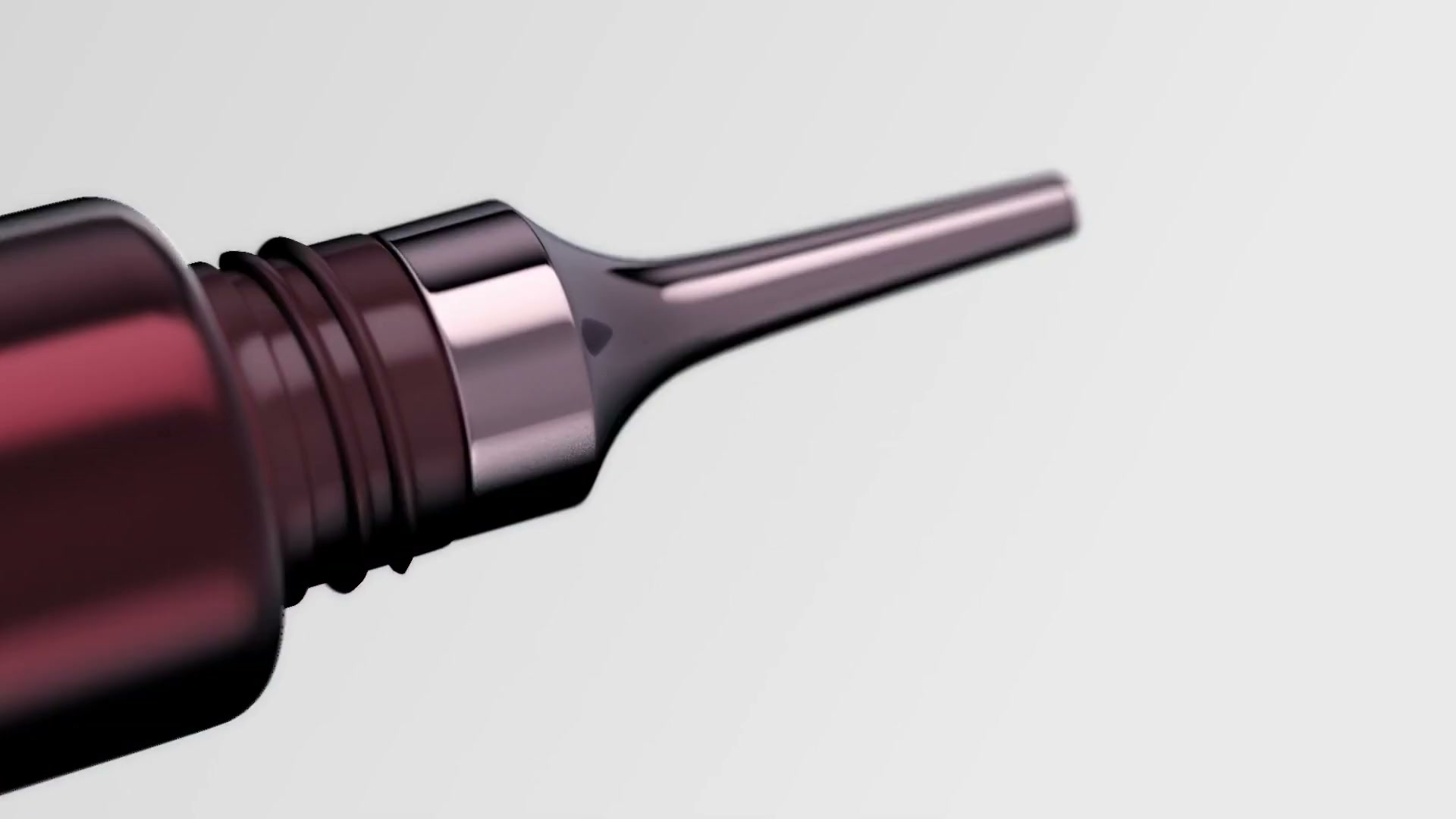

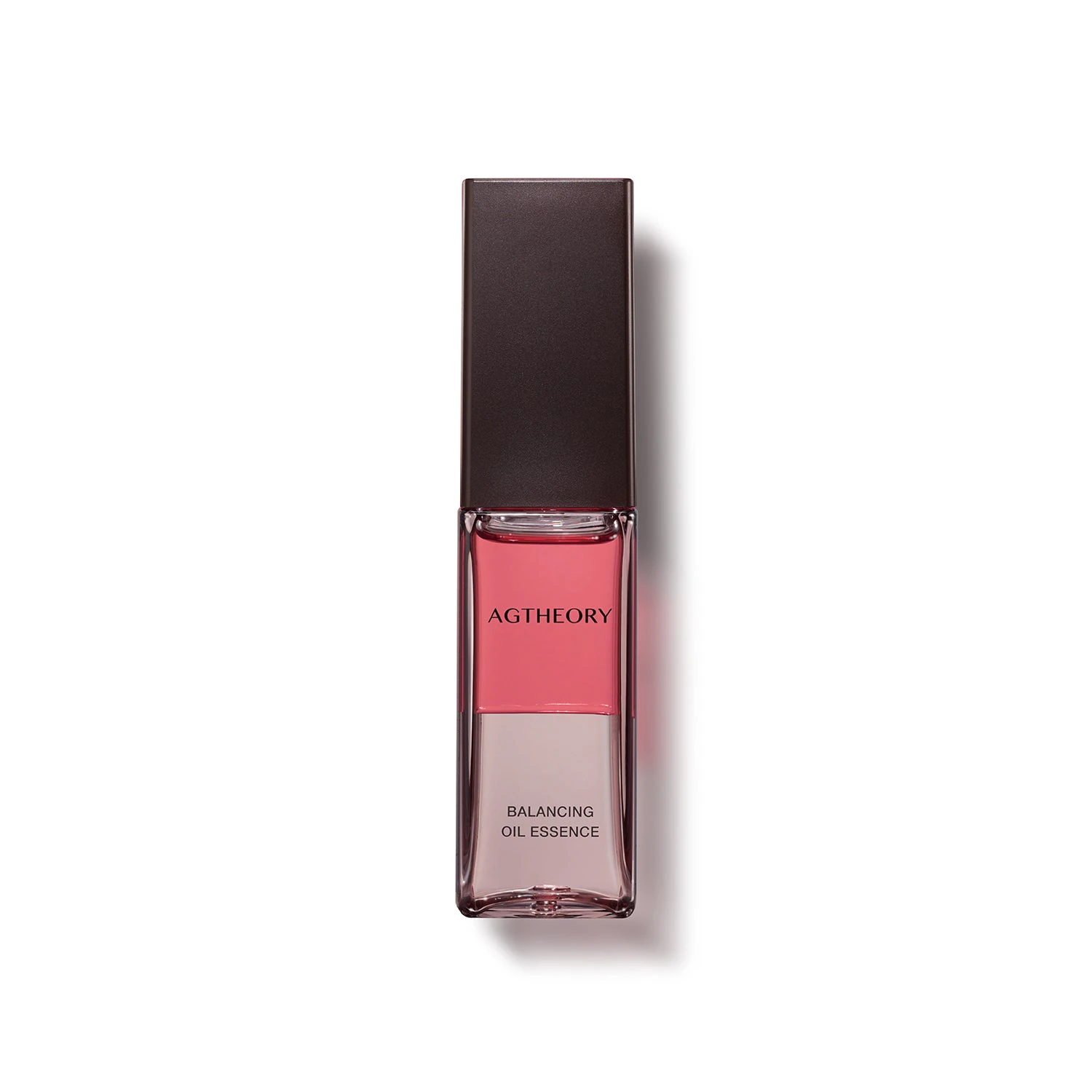
Japanese skincare. A considered UAE storefront.



Infrared heating. Comfort, considered.


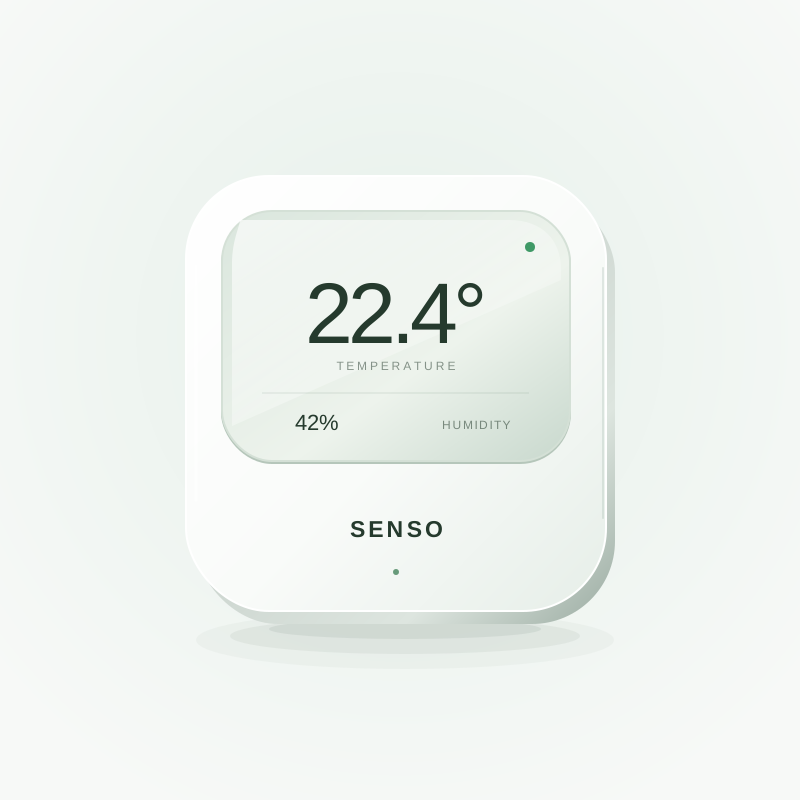
Illustrative storefront. Smart sensors.


Everyday care. A storefront concept.
We check the connection, the updates reaching Klaviyo and the emails that use them. You get a clear view of what needs fixing and how we will test it.
We review the installed plugin, the connected account and the store settings the connection needs.
We start with the supported connection and check any extra requirements before proposing custom work.
We follow one WooCommerce order into Klaviyo and check its status, the connection and the information that arrived.
An order waiting for payment, a completed purchase and a refund can follow different paths. We check the expected result for the example in front of us.
We check the checkout or cart activity your reminder uses, then review the email’s rules and run a suitable test.
The activity reaching Klaviyo and the email being sent are separate checks. We look at both within the work we agree.
We check which customer details are shared and how the checkout passes marketing choices to Klaviyo.
A customer record is not the same as permission to send marketing. We keep those checks separate when reviewing your signup and email setup.
We check which order activity starts an email and whether its content and timing fit the journey you want.
Refunds, order changes and existing emails need their own checks before a new sequence goes live.
We test the agreed examples and explain what was changed, what the connection supports and how to spot a missing update.
Your team gets short notes on what to check if the issue returns. Ongoing support can be agreed separately.
The work should leave you knowing what is connected, which emails rely on it and where to look if an update is missing.
A plain list of the store information shared with Klaviyo, the accounts involved and the limits that affect your setup.
A clear explanation of the example we followed, where the update stopped and what needs to change.
Agreed test journeys for the emails in scope, including what starts them, who should receive them and which conditions should stop them.
Short notes covering the setup, the checks to repeat and who handles a connection or email issue after launch.
Google Search Console Web, all countries and devices. Equal 28-day periods: 22 August–18 September and 19 September–16 October 2026. Search clicks 7 to 40; search impressions 174 to 806. Search activity does not measure enquiries or sales.
5.7×
28-day comparison
4.6×
28-day comparison
Homepage lab snapshot, 18 October 2026. Desktop: 99, 100, 100, 100. Mobile: 84, 100, 100, 100. These are lab scores, not real-user measurements.
Observed on 19 October 2026 with Google UAE region settings. One category query and two branded product queries. Search results can vary; this does not establish how long each query took to reach page one.
japanese skincare dubai
AXXZIA was cited in the AI answer on 19 October 2026. This is separate from the main organic first-page results.Share your store URL and what you need Klaviyo to do. For an existing problem, describe one order or email that did not behave as expected.
Decide which store activity each email needs and what the connection can support. We keep the scope clear before making changes.
Make the agreed changes and follow selected examples through the store, Klaviyo and the emails included in the work.
Explain the result, the limits and the checks your team can repeat. Agree who handles the connection after handover.
We look at your current connection, what is missing and which emails need to work before agreeing the cost and schedule.
A new setup, one missing-order issue and a wider review of your email journeys have different scopes.
Klaviyo plan costs and any paid extensions are listed separately.
We check the supported connection before proposing custom work.
Access, software compatibility, the state of the existing connection and the tests we need all affect timing. We agree the steps before making changes.
Live emails need a controlled test plan. We check how to test the agreed journey without sending customers unintended messages.
The person behind Religh
Founder & CEO
Vlad connects design, development and how your business works. You get a clear direction, with attention to the details.
We help you find the right starting point, agree the plan and review progress together.
Vlad’s Upwork profile (opens in a new tab)Checked 10 October 2026

Agree which information moves and what should happen when an update is missing.
Follow payment confirmation and order status before changing the emails that use them.
Separate order notifications from marketing emails before tracing the cause.
Not necessarily. We start with Klaviyo’s supported WooCommerce connection and check whether it covers the job. Custom work is considered when there is a specific gap, with its scope and ongoing responsibility agreed first. Klaviyo’s WooCommerce setup guide explains the standard connection.
The answer depends on the order and the activity you expect to see. We check one example: its WooCommerce status, the connected account and plugin, and what reached Klaviyo. Order information and browser activity follow different paths, so we check the relevant one.
Yes. We can check the activity that starts the message, the email’s rules and the intended recipient, then test the agreed journey. We define which emails and changes are included before starting.
Customer information and marketing permission are different things. We review the checkout’s signup choices and how they reach Klaviyo. Having an order or a customer record should not be treated as permission to subscribe everyone.
Yes. We start with the existing connection and the problem you can show us. That may mean tracing a missing order, checking a cart reminder or reviewing the setup before a change. We explain the proposed work before replacing anything.
Tell us what should happen after a checkout or order, and where the current setup falls short.