Ecommerce development
A demanding ecommerce launch, strong communication and a team that exceeded expectations. Artem continued working with Powerecy on further projects.

Keep your WooCommerce store up to date and check that customers can still buy after changes. We agree the updates, store checks and support your plan covers before work starts.

Editorial summaries of individual client reviews, not verbatim quotations. The author link opens the original source. Upwork feedback is from the founder’s profile. Swipe or use Left and Right to browse. The strip moves slowly, pauses on hover or focus and stops automatically moving after manual interaction. Platform snapshots checked on 2026-10-06; Google ages are relative to that date.
A demanding ecommerce launch, strong communication and a team that exceeded expectations. Artem continued working with Powerecy on further projects.
Vlad helped create a conversion-focused, emotionally engaging retreat website, offered strong advice and exceeded expectations. The client was happy with the process and is ready to work together again.
A long-standing collaboration marked by responsiveness and efficient work. Rakesh was pleased with his website redesign and recommended the team to colleagues.
The main-page design and style guide were delivered on time. The client’s team was happy with the materials and ready to continue the collaboration.
An ecommerce business built from the beginning, with the design shaped around Max’s vision and audience. He would choose the team again.
Although the company’s plans changed, the client would hire Vlad again. Highlights include careful requirements work, attention to detail, strong solutions, professionalism and communication.
Michele recommends Powerecy for website design and SEO, describing a positive working experience and a high standard of completed work.
After a 30-minute consultation, the client felt the working style and design vision matched the project’s needs and decided to continue the collaboration.
Anyuta praises the refined visual design of her website and the organic growth delivered so far.
Calls Vlad the go-to specialist for high-quality design and highlights consistently strong work across branding, design and development.
After an earlier disappointing design experience, Yehuda valued clear guidance and a design he liked, delivered within an agreed budget and timeline.
Cesar highlights professional work, efficient delivery and careful attention to detail. He would return to Vlad and the team for future website work.
A useful starting point
Agree routine work around your current theme, extensions and buying flow, without assuming the store needs a rebuild.
Start with the store you have. Review access, licences, custom work, backups and open issues, then agree what needs repair and what can move into ongoing care.
Plan compatibility checks, a suitable test copy and release decisions before changing the live setup.
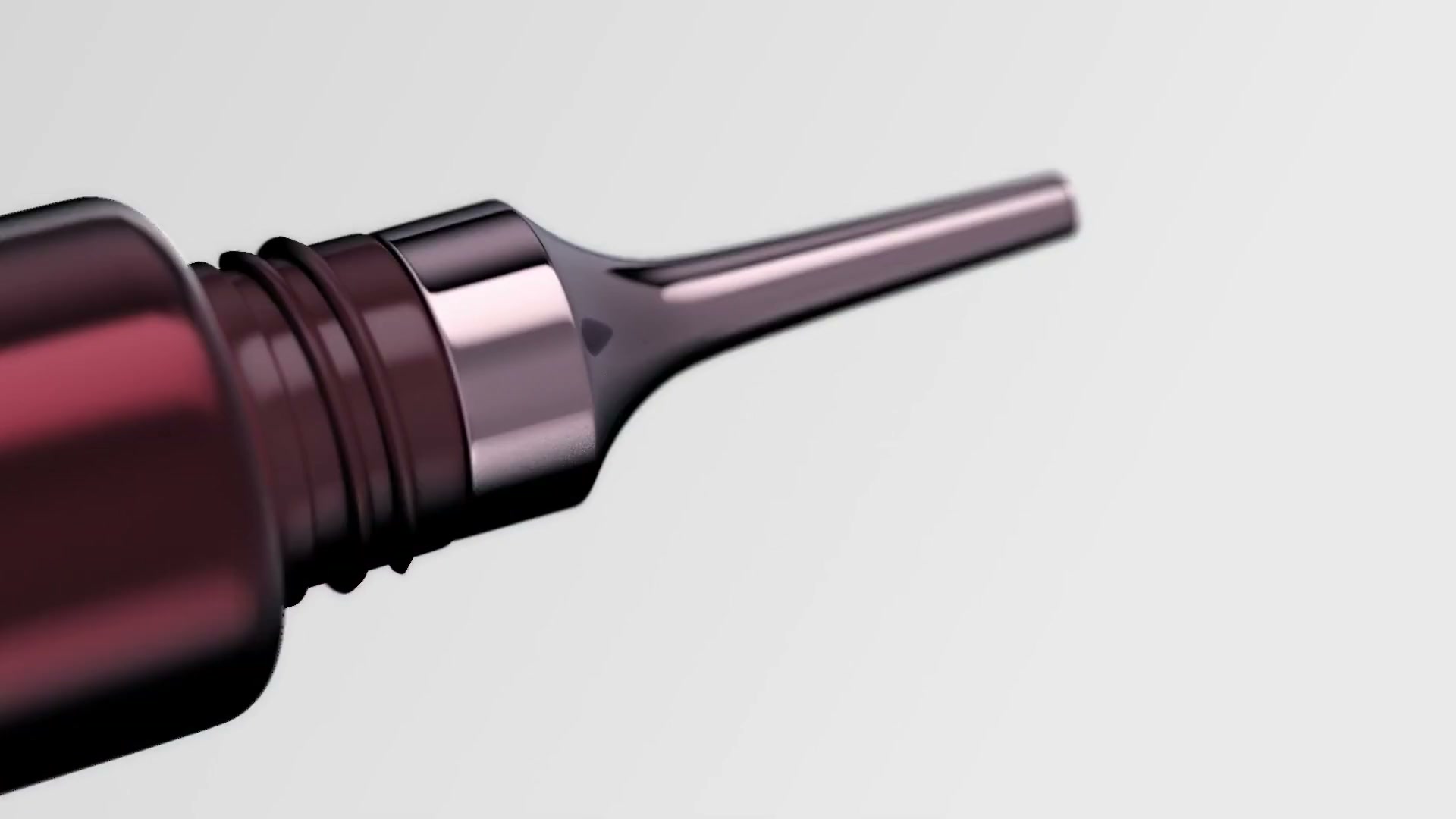


Japanese skincare. A considered UAE storefront.



Infrared heating. Comfort, considered.


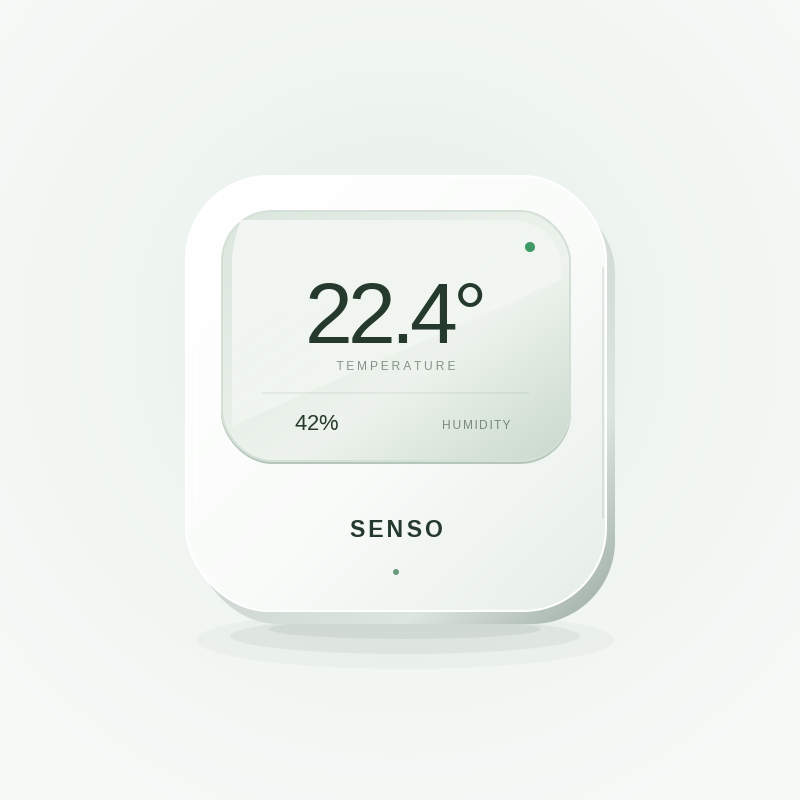
Illustrative storefront. Smart sensors.


Everyday care. A storefront concept.
Agree which updates and store checks we handle, how backups are managed and how to request help. Your plan sets the included time, response windows and who approves live changes. New features, incident repairs, hosting changes and recovery work are separate unless agreed.
Your plan names the theme and plugin updates we test on a separate copy. We check they work together, review the results and get approval before they go live.
After an agreed change, we check selected products, the cart, shipping and checkout. Your plan lists which types of purchase we test.
Before planned work, we check what the backup includes, who can access it and who can restore the store. Carrying out a restore is separate unless included.
We carry out the agreed checks for payment, stock and shipping connections. Fixing provider outages or account restrictions is outside routine store care.
After an agreed update, you receive notes on the changes, checks completed and open issues. Unrelated tasks stay in a separate work list.
Your plan explains how to contact support, how much time is included and when to expect a response. Larger repairs, new features and emergency support are separate unless agreed.
Your team knows what is covered, what was checked and which decisions remain with you.
Your care plan brings the update schedule, store checks, support channels and exclusions into one place.
A record of the product, cart, shipping and checkout steps checked after changes to your theme or plugins.
Know what your backups cover, who can access them, who owns licences and who is responsible for recovery.
Clear notes on changes, completed checks and unresolved issues, plus how to request work outside your plan.
Google Search Console Web, all countries and devices. Equal 28-day periods: 22 August–18 September and 19 September–16 October 2026. Search clicks 7 to 40; search impressions 174 to 806. Search activity does not measure enquiries or sales.
5.7×
28-day comparison
4.6×
28-day comparison
Homepage lab snapshot, 18 October 2026. Desktop: 99, 100, 100, 100. Mobile: 84, 100, 100, 100. These are lab scores, not real-user measurements.
Observed on 19 October 2026 with Google UAE region settings. One category query and two branded product queries. Search results can vary; this does not establish how long each query took to reach page one.
japanese skincare dubai
AXXZIA was cited in the AI answer on 19 October 2026. This is separate from the main organic first-page results.Record the current setup and what your team needs covered.
Define routine work, support limits and checks before starting.
Review planned changes on a suitable copy before release.
Make the approved change and leave a useful account of the work.
The care plan follows the store’s setup, the routine work required and the support your team expects.
The care plan depends on:
Hosting and licence renewals are listed separately.
The plan states what is included and how larger investigations or new features are handled.
We agree how often updates are reviewed, when changes can go live and how long reviews need. Existing problems may need separate work before routine care starts.
Support hours and response windows are agreed explicitly. Automated monitoring is a separate arrangement.
The person behind Religh
Founder & CEO
Vlad connects design, development and how your business works. You get a clear direction, with attention to the details.
We help you find the right starting point, agree the plan and review progress together.
Vlad’s Upwork profile (opens in a new tab)Checked 10 October 2026

Agree routine checks, update testing and the responsibilities behind a care plan.
Separate planned work, support time and larger changes before comparing costs.
Check access, licences, custom work and unfinished tasks before moving to a new developer.
Check what is covered, who controls it and how a recovery would be verified.
Hosting does not need to change by default. We review whether the current environment supports the agreed backups, test copy and maintenance work.
The plan defines included work and time. Larger investigations, new functionality and third-party failures are assessed separately.
Checks are chosen around the store: products, variations, cart, shipping, checkout and agreed integrations. Installing an update successfully is not the whole check.
Availability, response windows and escalation are confirmed before the plan starts. A routine maintenance plan should not be treated as an emergency response commitment.
The plan records the owner of each licence, hosting account and backup responsibility. Renewals and recovery work are included only when explicitly agreed.
Yes, through a separate agreed scope. We identify the requirements, estimate the change and plan its checks before adding it to the store.
We start by reviewing the existing setup, the work still open and the access your business controls. We agree the review before requesting access, then identify handover gaps, any separate repairs and the routine care the store needs. You do not need to commit to a rebuild or change hosting to begin the discussion. Keep passwords and customer records out of the enquiry; access is arranged separately.
Discuss the store, the support your team needs and the right starting point.